From Click to Customer: How Lead and Sale Tracking Works in CutMe Short Events
Quick answer
CutMe Short Events connects each click on a short link to the leads and sales that follow. When someone clicks a tracked link, CutMe Short adds a click ID to the visit. Your website stores it, and when that visitor signs up or buys, you send the lead or sale with the same ID. The Events dashboard then shows clicks, leads and revenue for every link, so you can see which campaigns actually make money.
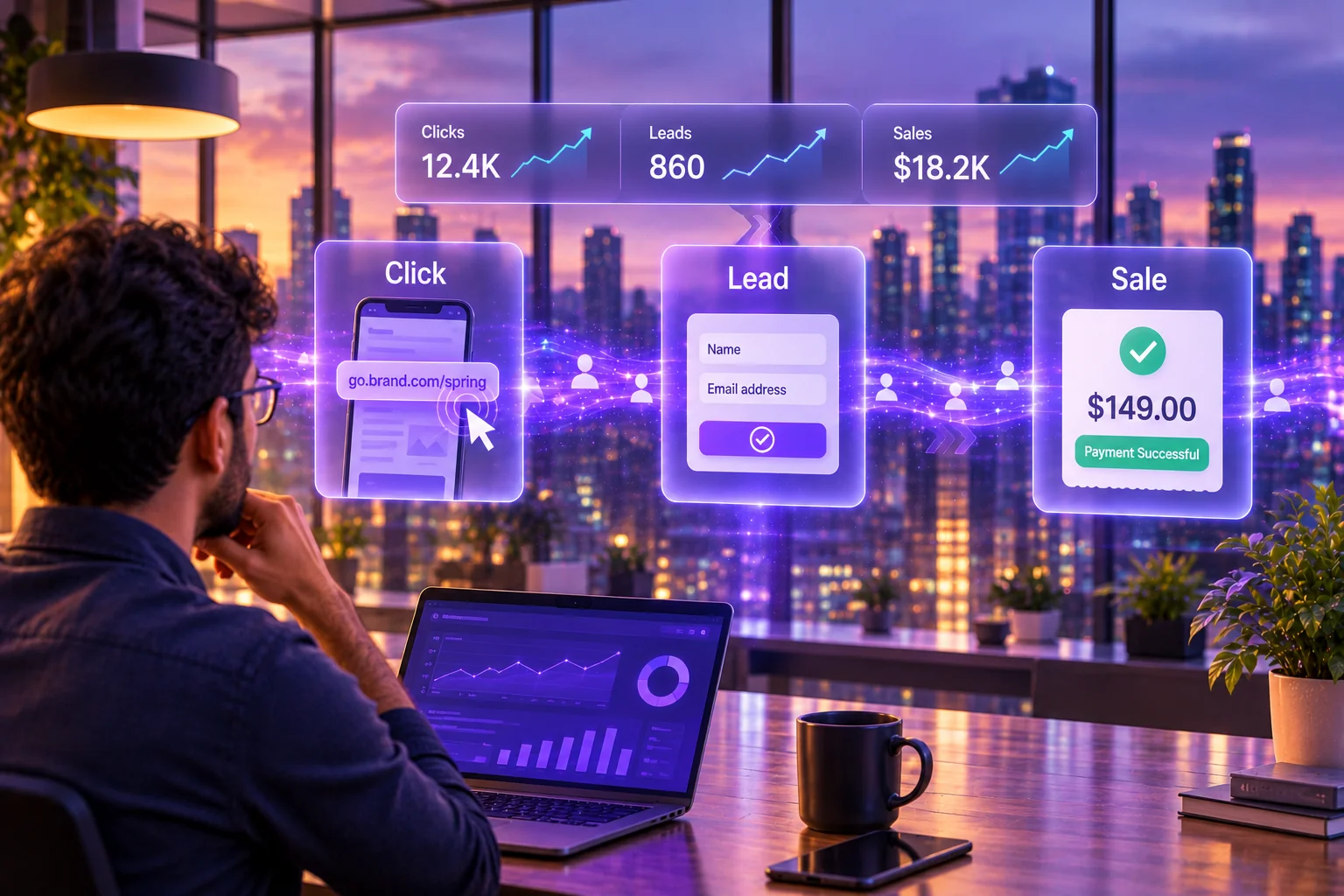
You posted a link on Instagram, put another in your newsletter and gave a third to an affiliate. A week later, the Instagram link has the most clicks.
So Instagram is your best channel, right?
Maybe not. Clicks tell you who was curious. They don't tell you who signed up, and they definitely don't tell you who paid. The newsletter link with a third of the clicks might have brought in twice the revenue.
That's the gap CutMe Short Events closes. It connects every click on your short links to the leads and sales that follow, so you can judge links, channels and campaigns by what they're actually worth.
Clicks, leads and sales: what each one tells you
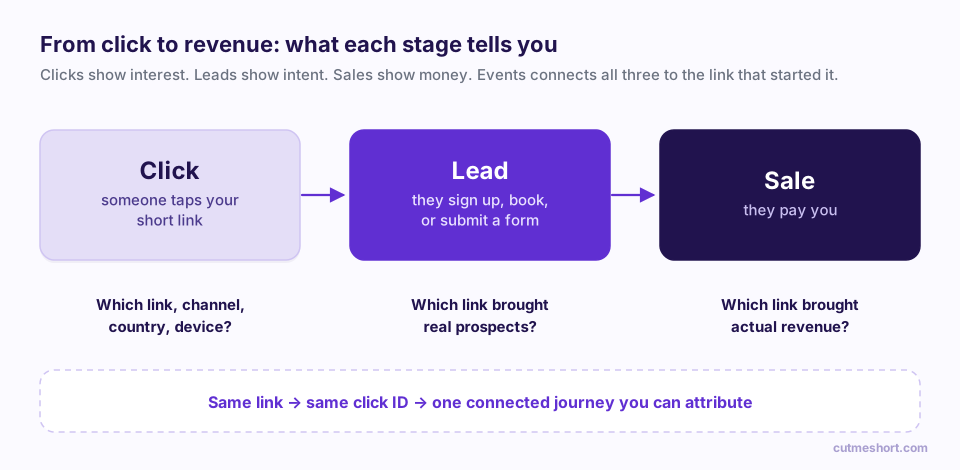
| Stage | What happened | The question it answers |
|---|---|---|
| Click | Someone opened your short link | Which link, channel, country and device drew attention? |
| Lead | They signed up, booked a demo, started a trial or filled in a form | Which link brought real prospects? |
| Sale | They paid you | Which link brought actual revenue? |
You choose what counts as a lead for your business. For a SaaS product it might be an account sign-up; for an agency, a booked call; for a course creator, a webinar registration.
How the tracking works, in plain English
There's no magic, just a reference number that travels with the visitor.
- Someone clicks your tracked short link. CutMe Short records the click and sends them on to your website, adding a short click ID to the address, like
?cms_rf=abc123. - A small script on your website remembers the click ID. It saves it in a first-party cookie, so it's still there if the visitor browses around or comes back days later.
- The visitor converts. When they sign up or buy, your website or backend reads that click ID and sends CutMe Short a lead or sale event with it.
- CutMe Short joins the dots. The lead or sale is credited to the exact link, and therefore the campaign and channel, that started the journey.
If you sell on Shopify, the CutMe Short Shopify app does steps 2 and 3 for you. See how to track Shopify sales from your short links.
The tracking script only stores the click ID in a cookie on your own domain. It doesn't fingerprint visitors or follow them around the web. You decide what customer details to include when you send a lead or sale.
First touch or last touch?
People rarely buy on the first visit. They might click your Instagram link on Monday and your newsletter link on Thursday before buying. Which one gets the credit?
- Last touch credits the most recent tracked link they clicked. This is what the setup snippet in CutMe Short uses, because it rewards the link that closed the deal.
- First touch credits the first tracked link they clicked, which rewards the link that introduced them to you.
You also set an attribution window: how many days a click can still earn credit. The snippet in the app uses 30 days; you can change it to match your sales cycle.
What you'll see in the Events dashboard
Click Events in the left sidebar. After a short setup journey (covered in the step-by-step setup guide), the dashboard shows:
- Three headline cards: Clicks, Leads and Sales. Sales shows your attributed revenue total. Each card has a 30-day trend line.
- A detailed table for each, with tabs for clicks, leads and sales:
- Clicks: link, time, country, city, device, browser, platform, referrer.
- Leads: date, event name, customer ID, name and email.
- Sales: the same, plus invoice ID and amount.
- Filters to narrow everything by link (pick one, several or All links), date range, country, state, city and device.
From any link in your Links list, click View details → under the tracking switch to open Events filtered to that link.
What you can do with it
Compare channels by revenue, not clicks. Create one short link per channel for the same offer, such as go.brand.com/spring-ig, go.brand.com/spring-email and go.brand.com/spring-ads, and compare the sales each one drives.
Pay partners and affiliates fairly. Give each partner their own tracked link. Leads and sales are credited to the partner whose link started the journey.
Find your best-converting content. A blog post or video with modest traffic but a high share of buyers is worth more promotion than a viral one that never converts.
Measure traffic from AI answers and communities. When a short link of yours is shared in a Reddit thread, a podcast description or an AI-cited article, you can see whether those visitors become customers.
Spot drop-offs. Plenty of clicks but few leads usually points at the landing page. Plenty of leads but few sales points further down the funnel.
Why branded links make tracking better
Tracking works with any short link, but links on your own domain, like go.yourbrand.com/offer, tend to earn more clicks because people recognise and trust them. More trusted clicks means more data, and better data means better decisions.
What you need to get started
- A CutMe Short plan that includes lead and sale tracking. If yours doesn't, the Events page shows Upgrade to unlock.
- At least one short link with Track leads & sales switched on.
- The tracking script on your website (one line in your
<head>), or the Shopify app for Shopify stores. - A way to send leads and sales: the CutMe Short SDK or API from your backend, or the Shopify app.
Ready? Follow the step-by-step guide to setting up lead and sale tracking.
Frequently asked questions
What is the difference between a click, a lead and a sale?
A click is someone opening your short link. A lead is a meaningful action that shows intent, such as a sign-up or demo booking. A sale is a payment. CutMe Short Events connects all three to the link that started the journey.
Do I need a developer to set up lead and sale tracking?
For a regular website, a developer will usually spend a short time adding the script and sending lead and sale events from your backend with the SDK or API. For Shopify stores, the CutMe Short Shopify app needs no code.
What if someone clicks my link but buys a week later?
That's fine. The click ID is stored in a cookie for the length of your attribution window (30 days in the default snippet), so the sale is still credited as long as it happens within that window, on the same browser.
Does tracking work if the visitor switches devices?
Cookie-based attribution works within the same browser. If someone clicks on their phone and buys on their laptop, the sale can't be linked to that click automatically.
In which currency is revenue shown?
You can send sales in your own currency. CutMe Short converts amounts to US dollars so revenue from different currencies can be compared in one dashboard.